Zendesk alternative
A helpdesk your small team can actually finish setting up.
Zendesk is built for the teams it charges the most. The features a small team needs day to day sit spread across Suite tiers and add-ons. Here they are one plan, and your ticket history comes with you.
14-day free trial • No credit card needed
All features, one plan
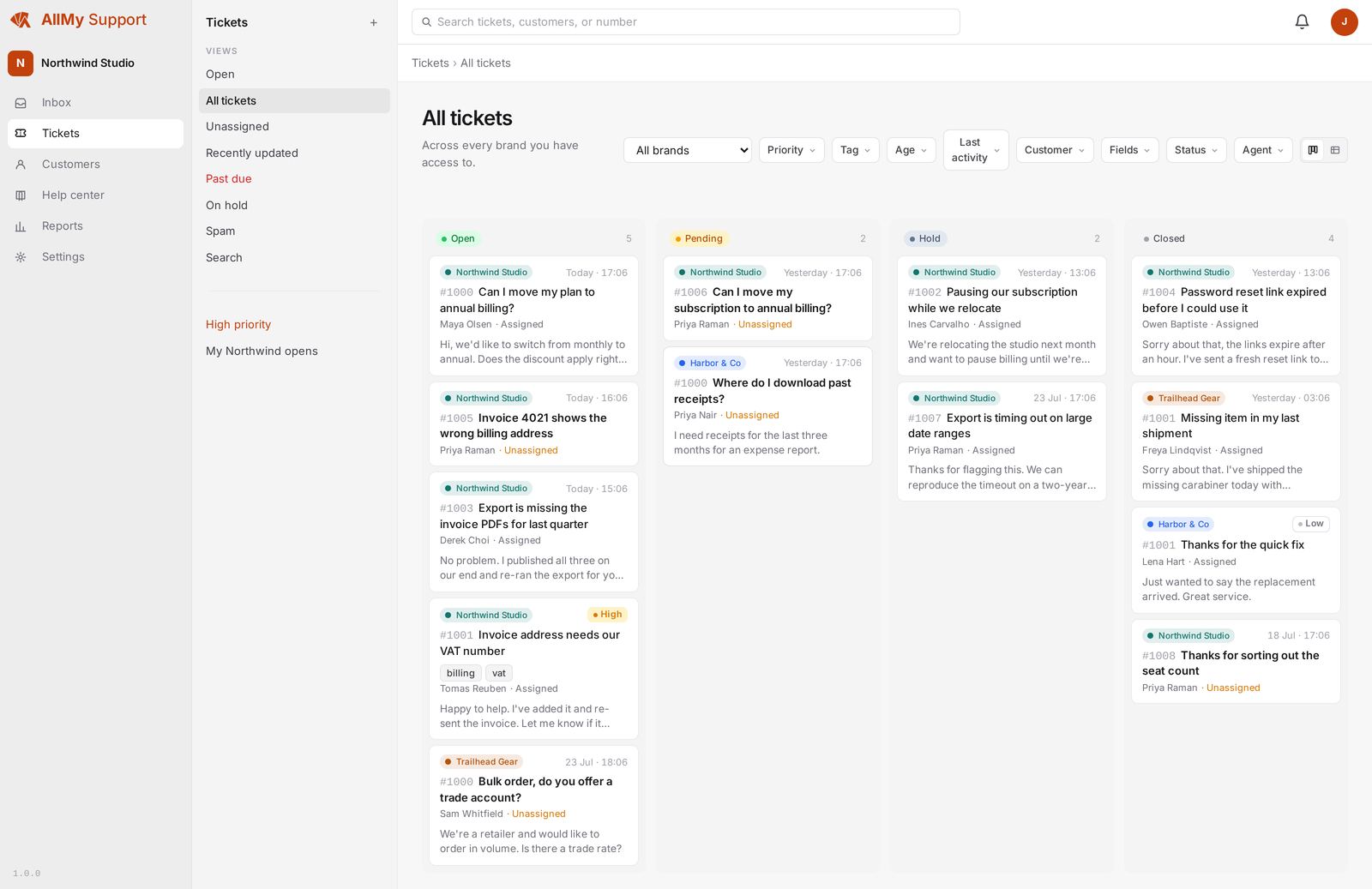
Knowledge base, SLA targets, satisfaction surveys, automations, AI summaries. Nothing sits one tier up, because there is no tier up.
Sized for a small team
Built for one to ten agents. Forward your support address and you are working tickets the same afternoon, without an admin console to study first.
Your history comes along
The bulk importer brings a brand's tickets, conversations, contacts, and attachments across in one run, so switching does not mean starting from a blank inbox.
What a small team needs, side by side
Not a feature-count contest. These are the things a support team of one to ten actually uses, and where each product puts them.
| AllMy Support | Zendesk | |
|---|---|---|
| Email tickets and a shared inbox | Included | Included on every plan |
| Knowledge base and help site | Included, on your own domain | Arrives with Suite Team at $55 per agent a month, one plan above the $19 entry tier |
| More than one brand | Unlimited brands included | One help center on Suite Team; up to five from Suite Growth |
| SLA targets and reporting | Included | Suite Growth and up |
| AI ticket summaries | Included, with a monthly allowance | Copilot is a $50 per agent per month add-on |
| Automated resolution meter | None. A reply is a reply | Plans include a handful per agent, then $1.50 to $2.00 per resolution |
| Your Zendesk ticket history | Bulk import included: tickets, conversations, contacts, attachments | — |
Zendesk details read from zendesk.com/pricing, checked July 2026. Zendesk moves things between plans; check their page before you decide.
Switching without losing your history
The usual cost of leaving Zendesk is the archive: years of tickets a new tool never sees. The bulk importer removes that cost.
Connect or upload
Connect your Zendesk over its API, or upload the export files if you have already left. Both routes work on any Zendesk plan while your account is live.
Check the preview
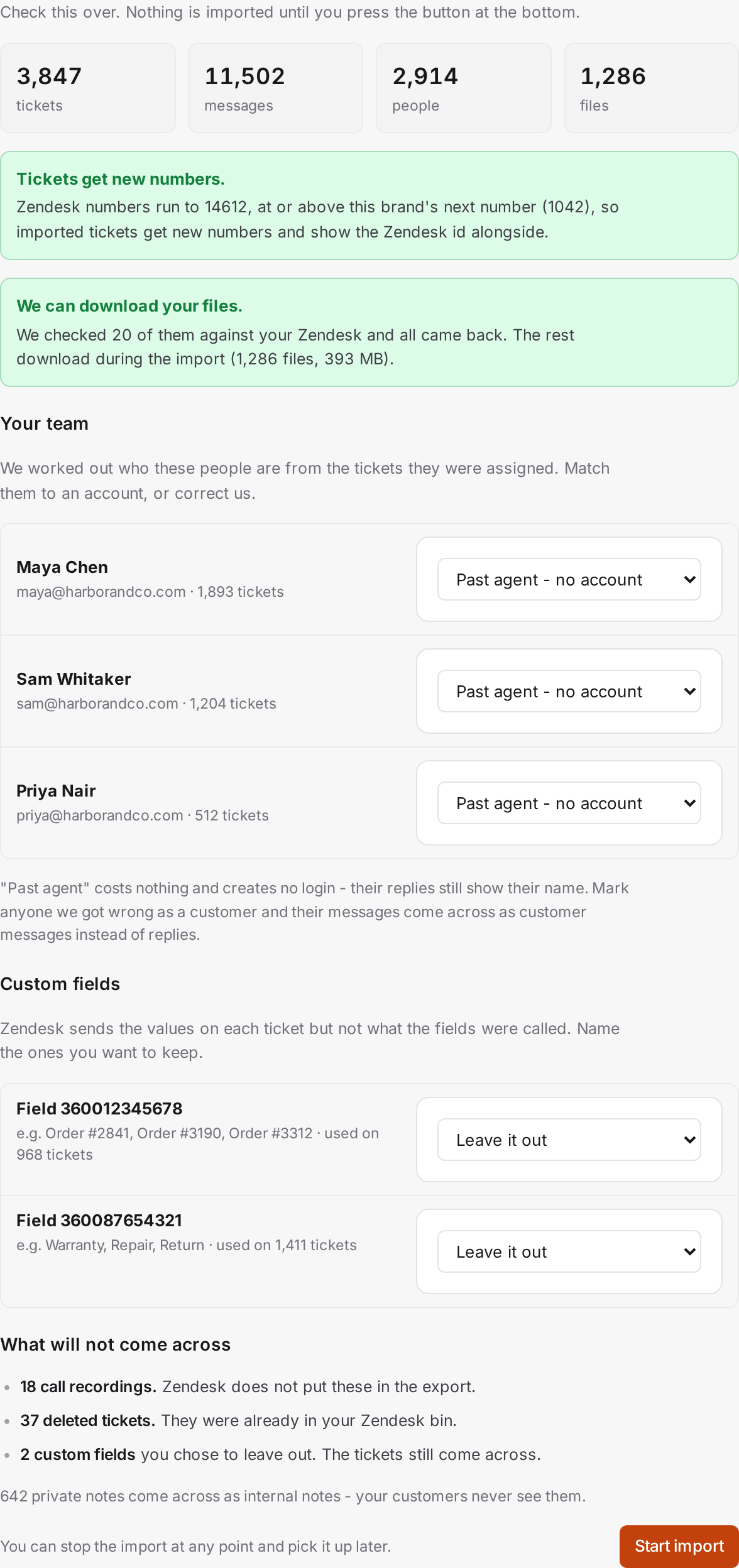
Before anything is written you see what is coming: ticket and conversation counts, how numbering will work, and how each Zendesk agent maps to your team.
Run it and carry on
History arrives quietly. No automations fire, no customer gets emailed, and every imported ticket keeps its Zendesk number on record, searchable.
The bulk import guide covers the steps. If you are still on Zendesk, read how to get your data out before you cancel.
When Zendesk is the right choice
An honest alternatives page should say who should not switch. Stay on Zendesk if you need:
- Live chat, messaging, or telephony. We are an email helpdesk. Our website widget is a contact form that opens a ticket, not a chat window.
- Single sign-on and enterprise compliance. We do not offer SAML or SSO.
- An app marketplace. Zendesk has hundreds of integrations. We do not.
- A large team. Skills-based routing, custom roles, and sandboxes exist because fifty-agent teams need them. We build for teams of one to ten, and it shows in both directions.
If your support is email, a help site, and a small team answering both, that trade works in your favour: everything you use, none of what you were paying to skip.
One plan. No Suite math.
$9 a month plus $10 per agent, with every feature and unlimited brands included. Annual billing saves about 20%. No add-ons, no per-resolution meter, no tier to grow into.
See pricingTry it with your own tickets.
Start a trial, run the Zendesk import against your real history, and see how the same queue feels in a tool your size.
Start your free trial